windows

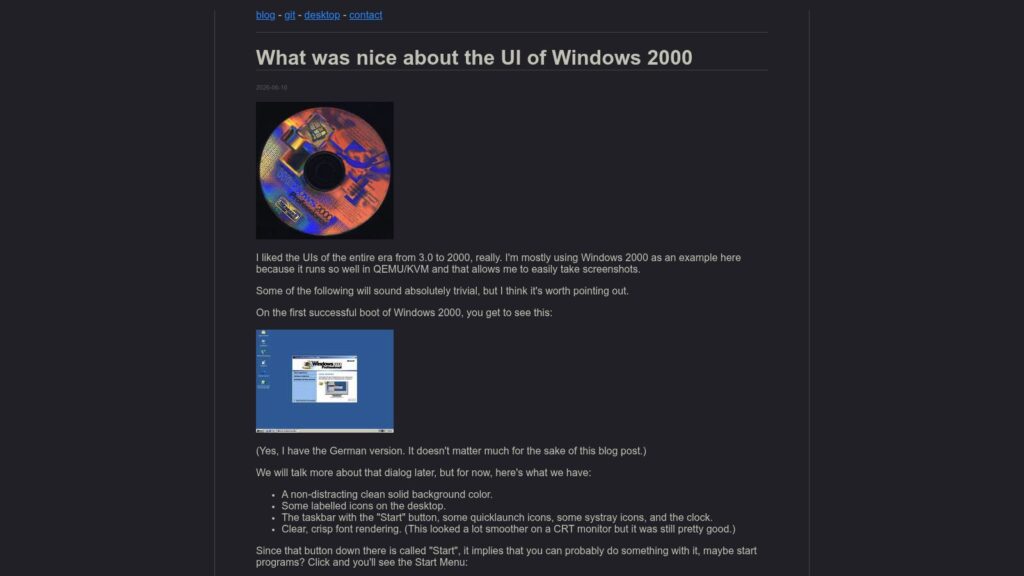
What Was Nice About the UI of Windows 2000

The Windows 2000 UI is praised for its clear, consistent visual design featuring distinct buttons, 3D relief effects, always-visible scrollbars, and well-grouped options that provide immediate, intuitive visual feedback. Its icons and font rendering helped users quickly identify interactive elements and navigate the system easily, contrasting with modern flatter, less obvious interfaces. Despite running slowly on minimal hardware, Windows 2000 offered a balanced, functional, and offline-capable UI that emphasized usability and clarity.

https://movq.de/blog/postings/2026-06-16/0/POSTING-en.html

What Was Nice About the UI of Windows 2000 Read More »

Windows 1.0 and the WinAPI, 40 Years Later

The article describes an experiment in building a game for Windows 1.0 using the original WinAPI and development tools from the mid-1980s. By recreating software with the first Windows programming interface, the author shows that many core concepts of Windows development—message loops, event handling, windows, and graphical APIs—were already present in the earliest release and have remained remarkably stable for four decades. The main point is that the longevity of the WinAPI demonstrates an unusual level of backward compatibility, allowing software concepts introduced in 1985 to remain recognizable and relevant in modern Windows development.

https://medium.com/@stassaf.uae/windows-1-0-and-the-winapi-40-years-later-abaf64832918

Windows 1.0 and the WinAPI, 40 Years Later Read More »

The Windows® 95 User Interface: a Case Study in Usability Engineering

Windows 95’s user interface development involved an interdisciplinary team focusing on iterative design and usability testing. Aimed at enhancing user experience for both beginners and advanced users, the team applied usability engineering principles to address design challenges. The process consisted of exploration, rapid prototyping, and fine-tuning, which allowed for flexibility and continuous improvement based on user feedback. Key findings led to significant design changes, ensuring the interface was intuitive and efficient. The project relied heavily on problem tracking to resolve usability issues, achieving a high fix rate due to team dedication. Ultimately, the iterative approach was crucial for creating a user-friendly operating system that met diverse user needs.

https://dl.acm.org/doi/fullHtml/10.1145/238386.238611

The Windows® 95 User Interface: a Case Study in Usability Engineering Read More »

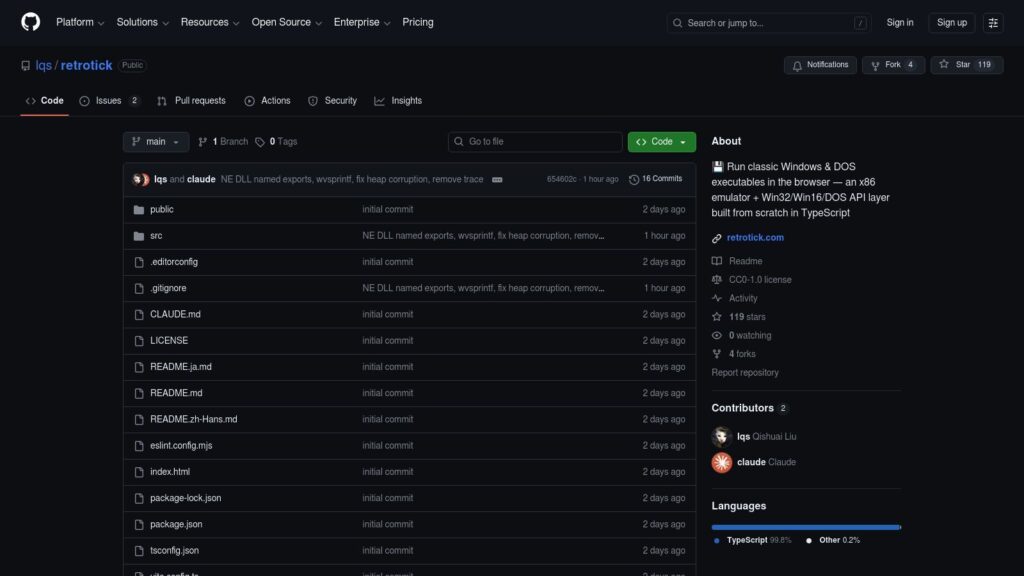
Lqs/retrotick: 💾 Run Classic Windows & DOS Executables in the Browser — an X86 Emulator + Win32/Win16/DOS API Layer Built From Scratch in TypeScript

RetroTick: Run classic Windows/DOS executables in the browser via an x86 emulator and Win32/DOS API layer built in TypeScript. Offers a simple drag-and-drop interface. Includes support for various binaries and basic applications. Ongoing development aims to enhance compatibility and rendering fidelity. Released under CC0 1.0.

https://github.com/lqs/retrotick

Lqs/retrotick: 💾 Run Classic Windows & DOS Executables in the Browser — an X86 Emulator + Win32/Win16/DOS API Layer Built From Scratch in TypeScript Read More »

What Was the Secret Sauce That Allows for a Faster Restart of Windows 95 if You Hold the Shift Key?

Shift key during Windows 95 restart triggers faster restart via EW_RESTARTWINDOWS flag, allowing a quick resume unless memory fragmentation occurs, leading to a full reboot instead. Assembly code manages memory and state requirements. Fast-restart may fail on consecutive attempts due to driver issues.

https://devblogs.microsoft.com/oldnewthing/20260119-06/?p=111995

What Was the Secret Sauce That Allows for a Faster Restart of Windows 95 if You Hold the Shift Key? Read More »

Windows 3.1 Included a Red and Yellow ‘Hot Dog Stand’ Color Scheme so Garish It Was Long Assumed to Be a Joke, so I Tracked Down Microsoft’s Original UI Designer to Get the True Story

Windows 3.1 featured a controversial “Hot Dog Stand” color scheme, perceived as a joke due to its bright red and yellow palette. However, designer Virginia Howlett clarified that it was not intended as a joke or challenge, but simply a bold design choice among various user interface themes created to appeal to diverse aesthetics. Howlett expressed surprise at the ongoing fascination with this theme decades later.

https://www.pcgamer.com/software/windows/windows-3-1-included-a-red-and-yellow-hot-dog-stand-color-scheme-so-garish-it-was-long-assumed-to-be-a-joke-so-i-tracked-down-the-original-designer-to-get-the-true-story/

Windows 3.1 Included a Red and Yellow ‘Hot Dog Stand’ Color Scheme so Garish It Was Long Assumed to Be a Joke, so I Tracked Down Microsoft’s Original UI Designer to Get the True Story Read More »

Microsoft Download Center Archive

Legacy Update archives deleted Microsoft downloads for legacy Windows versions (95 to 7) and related tools. Users can access these downloads, which may have security risks, via the Internet Archive. Support and contributions are acknowledged, and the site operates independently of Microsoft. Backup data is recommended before using archived software.

https://legacyupdate.net/download-center/

Microsoft Download Center Archive Read More »

Still Booting After All These Years: The People Stuck Using Ancient Windows Computers

Many people still rely on outdated Windows systems, experiencing everyday challenges due to aging technology. Examples include ATMs operating on Windows XP and trains using Windows 3.11. Organizations often avoid upgrades for cost and complexity reasons. While some users find this technology frustrating, others, like those in creative fields, value the unique experiences provided by legacy systems. The persistence of old software highlights Microsoft’s historical impact and raises concerns about cybersecurity and knowledge transfer issues in a tech-forward world.

https://www.bbc.com/future/article/20250516-the-people-stuck-using-ancient-windows-computers

Still Booting After All These Years: The People Stuck Using Ancient Windows Computers Read More »

Scroll to Top